



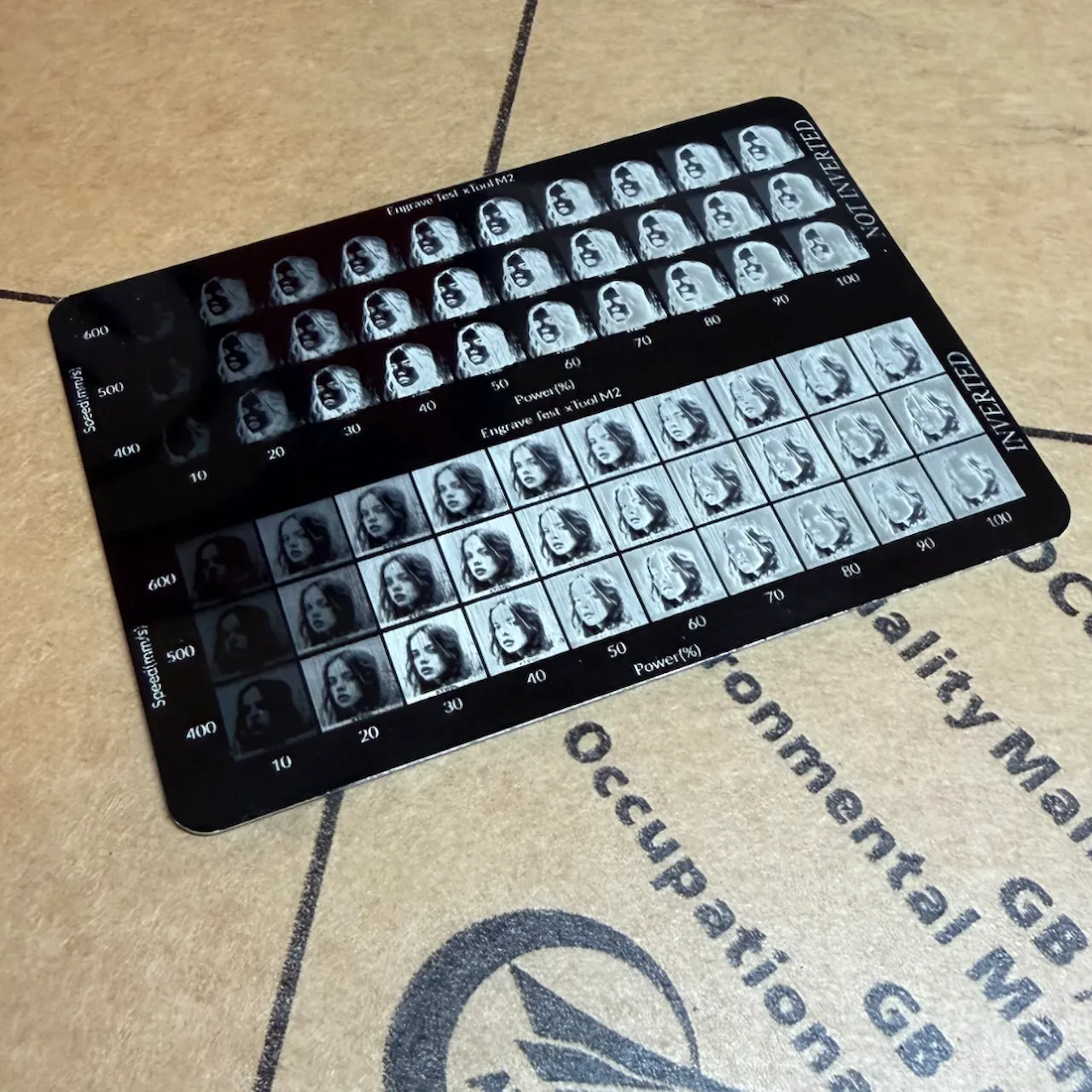
Fiber/InfraredCommunity report
Condé Systems Laser-IT Engraving Aluminum
black
Shared by @applemanormercantile on Atomm
Important safety notice
Settings are starting points — always run a test cut on scrap before your final piece. Follow your manufacturer's guidance, wear eye protection, and ensure proper ventilation.
Laser Settings
Engrave · Bitmap · Flat SurfacePower
85
Speed
300
LPC
150
Passes
1
Thickness
0.02mm
https://www.conde.com/proddetail.asp?prod=ALUM620-CUT
Community Feedback
No votes yet — be the first to report how these settings worked.
Export
xTool machine: open it straight in xTool Studio, or download a .mxs (Studio → Materials → Import).
Sponsored
Shop xTool lasers and UV printers
Every xTool machine in this library, with our discount code.
Code ERIK100: $100 off $1,699+ (or ERIK80: $80 off $999+)
Shop xTool →Machine Context
BrandxTool
ModelM2
Laser typeFiber/Infrared
Wattage3W
Compare against your own machine before treating these as a starting point.
Material Details
MaterialCondé Systems Laser-IT Engraving Aluminum
Color / Finishblack
BrandConde Systems
Size0.02mm
Shop machine — xTool →
Code ERIK100 — $100 off $1,699+ (or ERIK80 — $80 off $999+)
Provenance
Source type
Community report
Shared by a maker in the community. Helpful for context, but not verified for every setup.