
Maker Foundry

Pick your machine

14 machines
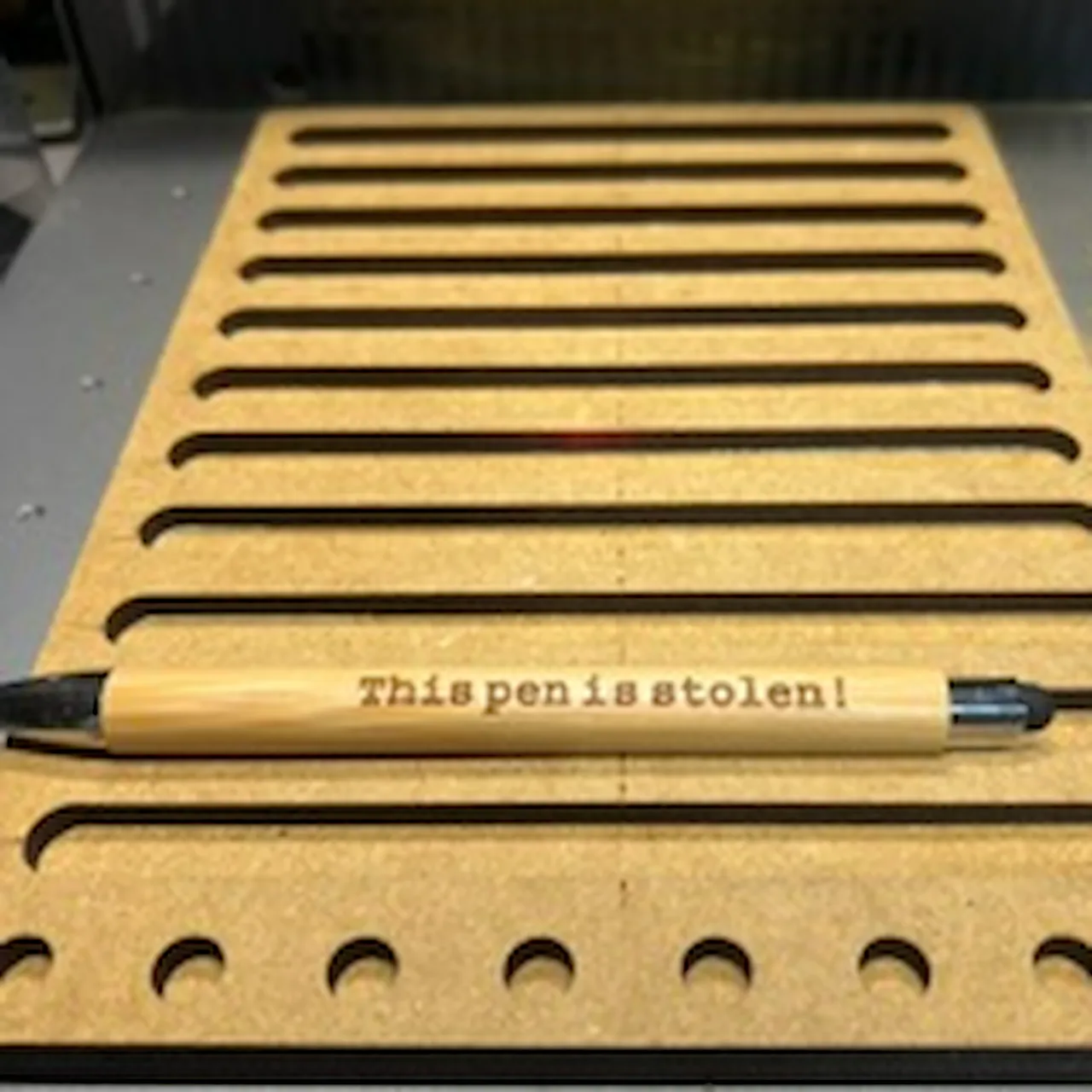
Bamboo Plant Label test grid
DiodeCommunity report

Bamboo Plant Label

Shared by @shiksasurvivorgroup on Atomm

Important safety notice

Settings are starting points — always run a test cut on scrap before your final piece. Follow your manufacturer's guidance, wear eye protection, and ensure proper ventilation.

Laser Settings

Score · Vector · Flat Surface
Power
78
Speed
400
Passes
1
Thickness
2mm
After you design your engraving Words. Copy the words by hitting "control C" Then" control ". Which will make an exact copy. Take that second copy in the Process menu and switch it to score from Engrave. My engraved settings were. Blue laser 77%. 400mm/s on an F2 Ultra. My score settings are. 78%. 400mm/s. Using the mouse, select the engrave and the score you just made. Go to the top menu. Select Align. Align center. This will put them Exactly together where they need to be. If you need to move this. To a different spot on your object, make sure you click and highlight the scoring AND engrave layers. Before you move it or you will just grab one layer not both. if you just separated them you can hit "undo" or highlight both and align center again to stack them. you want the score layer to be the last process.

More Bamboo Plant Label settings
Same material on xTool F2 Ultra. Engrave stays the same regardless of thickness; cut changes with thickness.

Score
2mm · P78 S400 · this one2mm · P90 S400

Community Feedback

No votes yet — be the first to report how these settings worked.

Export

xTool machine: open it straight in xTool Studio, or download a .mxs (Studio → Materials → Import).
Sponsored
All American Print Supply

DTF and UV printers, supplies and xTool machines.

Code FOUNDRY: 5% off, machines included

Shop AAPS →

Machine Context

BrandxTool
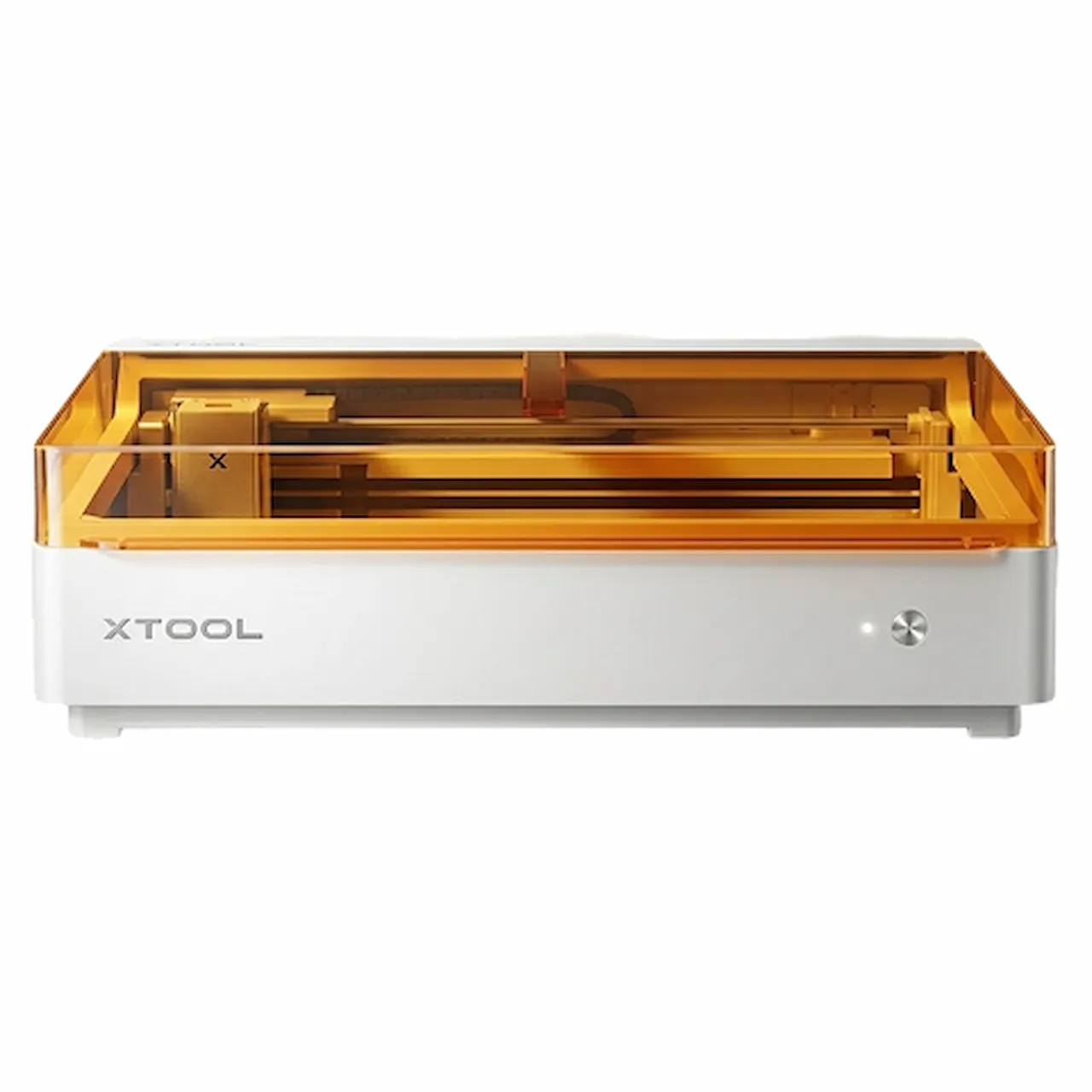
ModelF2 Ultra
Laser typeDiode
Wattage40W

Compare against your own machine before treating these as a starting point.

Material Details

MaterialBamboo Plant Label
Size2mm
SupplierxTool
Buy this material →

Code ERIK100 — $100 off $1,699+ (or ERIK80 — $80 off $999+)

Shop machine — xTool →

Code ERIK100 — $100 off $1,699+ (or ERIK80 — $80 off $999+)

Provenance

Source type
Community report

Shared by a maker in the community. Helpful for context, but not verified for every setup.

Source

Shared by @shiksasurvivorgroup in Atomm, xTool's community
View the original post →