



Pick your machine
2 machines have Walnut Plywood settings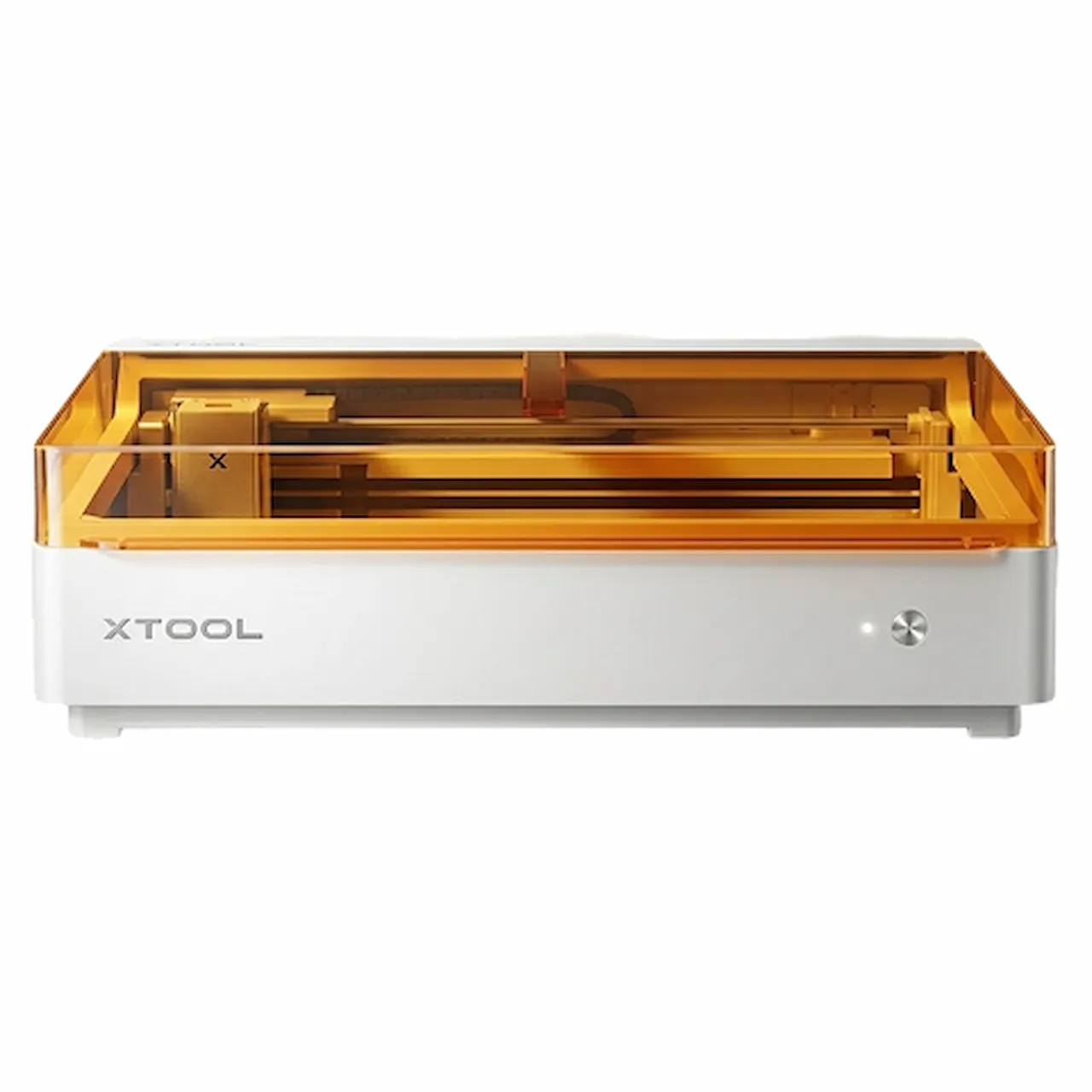
DiodeCommunity report
Walnut Plywood
brown
Shared by @LEaA on Atomm
Important safety notice
Settings are starting points — always run a test cut on scrap before your final piece. Follow your manufacturer's guidance, wear eye protection, and ensure proper ventilation.
Laser Settings
Cut · Vector · Flat SurfacePower
100
Speed
8
Passes
4
Thickness
3mm
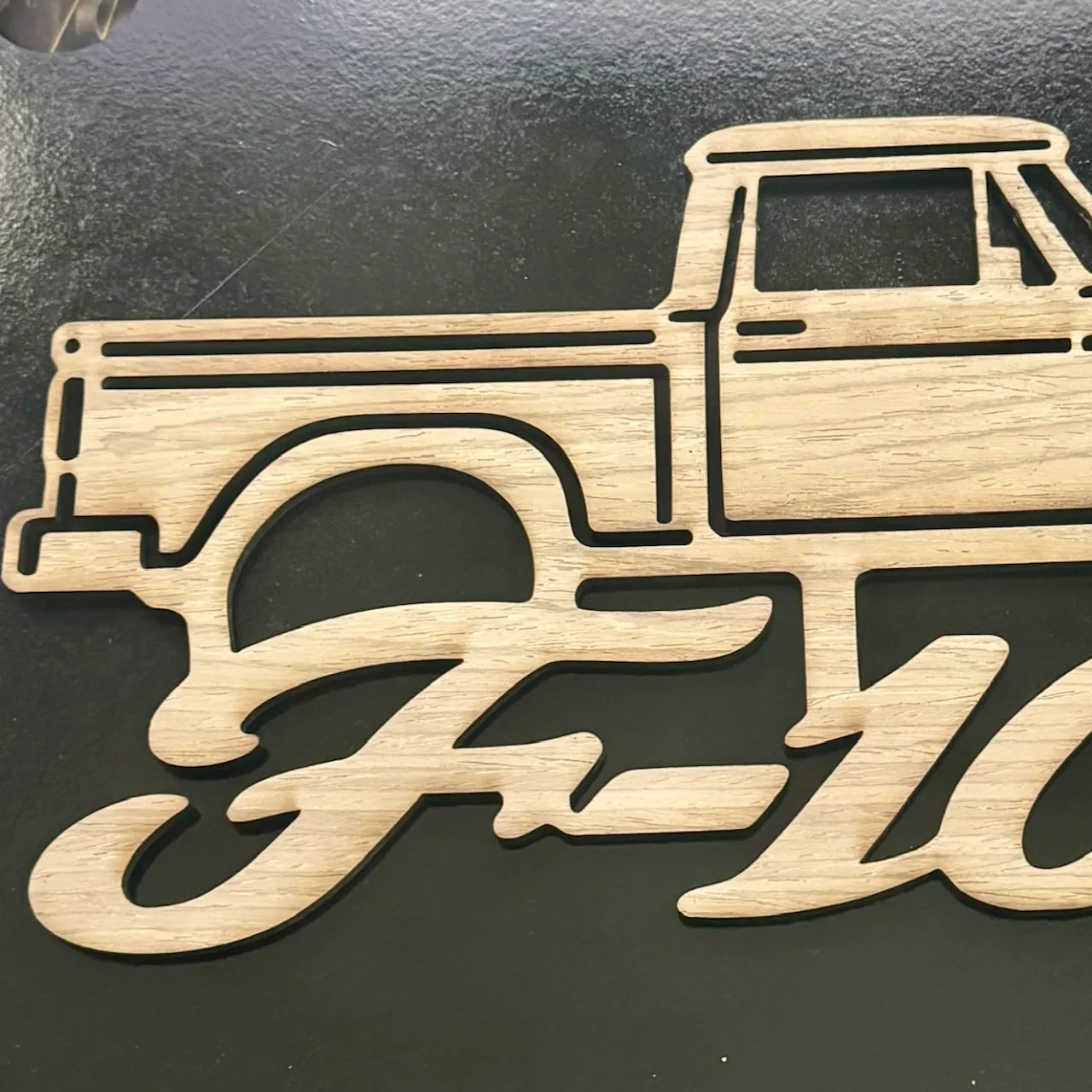
For this project, I focused on keeping the Ford F100 instantly recognizable while avoiding fragile or overly detailed sections. The car silhouette and script lettering are connected into one continuous piece, with simplified windows, body accents, and wheel openings that make the cut more reliable. The result is a sturdy automotive wall sign with a strong horizontal profile and clean presentation, and the same approach can be adapted for other muscle cars, trucks and custom vehicle designs.
Community Feedback
No votes yet — be the first to report how these settings worked.
Export
xTool machine: open it straight in xTool Studio, or download a .mxs (Studio → Materials → Import).
Sponsored
Shop xTool lasers and UV printers
Every xTool machine in this library, with our discount code.
Code ERIK100: $100 off $1,699+ (or ERIK80: $80 off $999+)
Shop xTool →Machine Context
BrandxTool
ModelM2
Laser typeDiode
Wattage10W
Compare against your own machine before treating these as a starting point.
Material Details
MaterialWalnut Plywood
Color / Finishbrown
Size3mm
Shop machine — xTool →
Code ERIK100 — $100 off $1,699+ (or ERIK80 — $80 off $999+)
Provenance
Source type
Community report
Shared by a maker in the community. Helpful for context, but not verified for every setup.