


Pick your machine
16 machines have Black Stylus Ballpoint Pens with Multicolored LED Lights settings
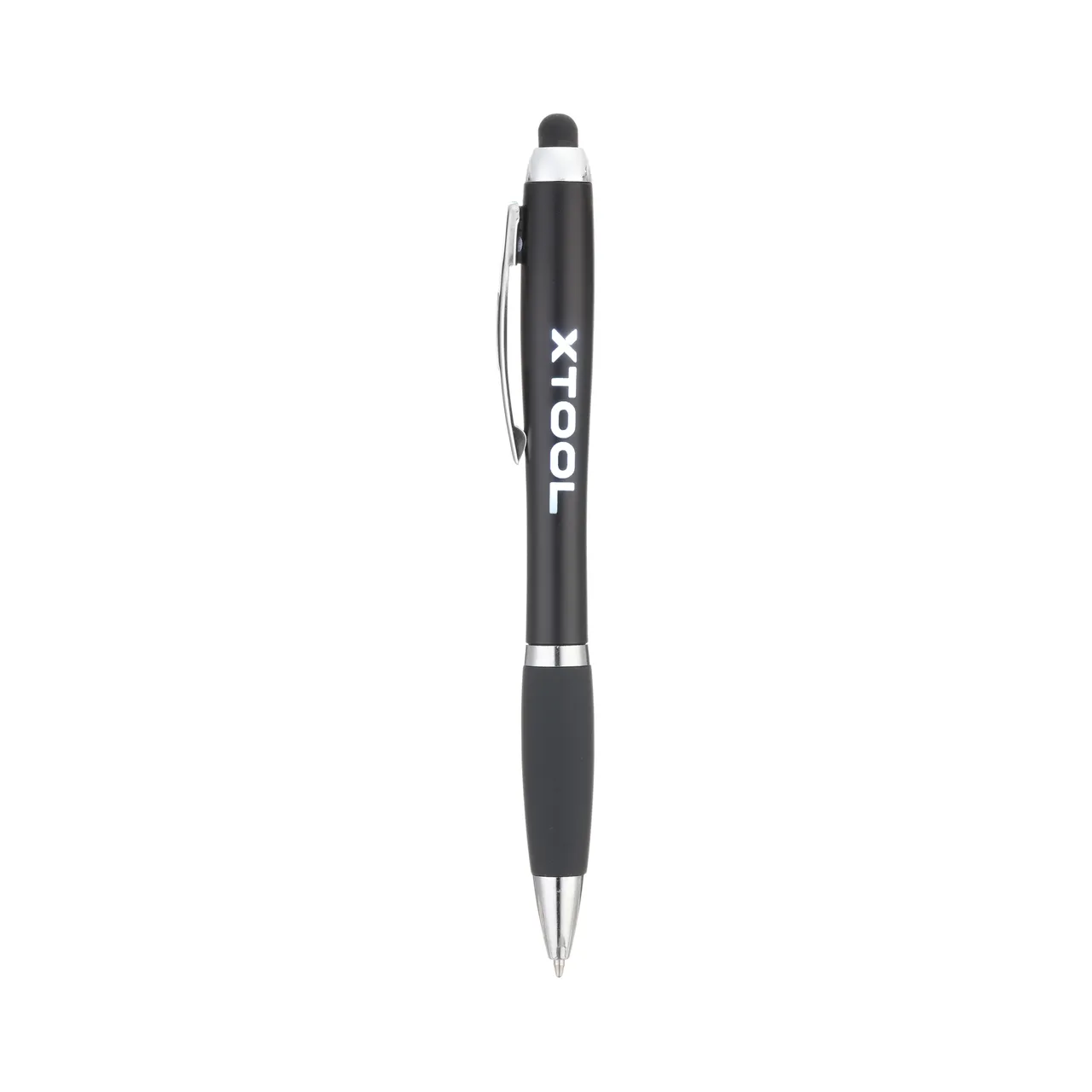
Black Stylus Ballpoint Pens with Multicolored LED Lights
Shared by xTool (vendor)
Settings are starting points — always run a test cut on scrap before your final piece. Follow your manufacturer's guidance, wear eye protection, and ensure proper ventilation.
Laser Settings
Engrave · Vector · Flat SurfaceMore Black Stylus Ballpoint Pens with Multicolored LED Lights settings
Same material on xTool D1 Pro 2.0. Engrave stays the same regardless of thickness; cut changes with thickness.
Community Feedback
No votes yet — be the first to report how these settings worked.
Export
xTool machine: open it straight in xTool Studio, or download a .mxs (Studio → Materials → Import).
Every xTool machine in this library, with our discount code.
Code ERIK100: $100 off $1,699+ (or ERIK80: $80 off $999+)
Shop xTool →Machine Context
Compare against your own machine before treating these as a starting point.
Material Details
Code ERIK100 — $100 off $1,699+ (or ERIK80 — $80 off $999+)
Code ERIK100 — $100 off $1,699+ (or ERIK80 — $80 off $999+)
Provenance
Shared from a supplier or manufacturer reference. Useful for context, but not proof it will match your machine or material.
Source
xTool's tested settings, shared here with xTool's permission.