



Pick your machine
16 machines have Red Scratch Paper settings
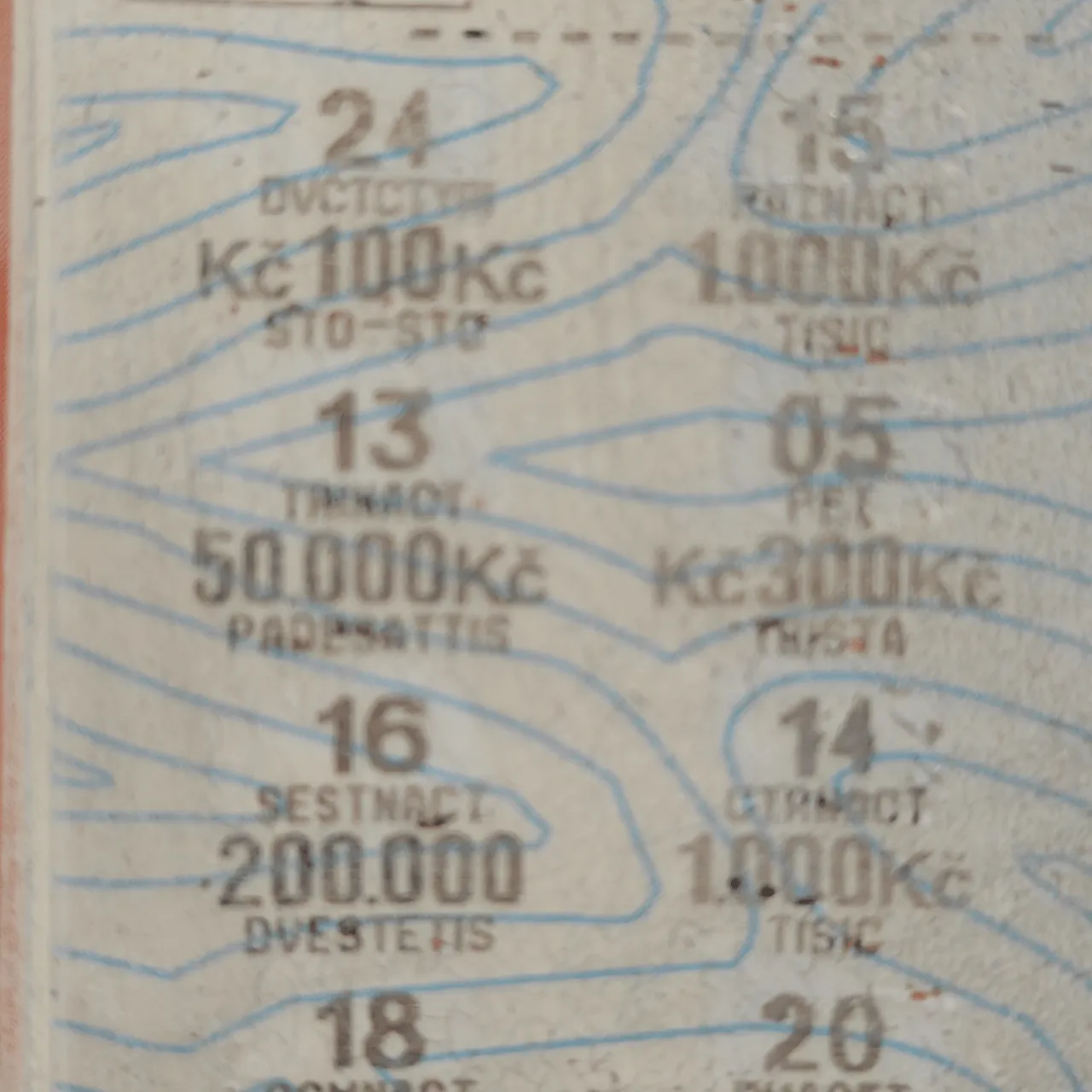
Fiber/InfraredCommunity report
Red Scratch Paper
Shared by @Marvin studio on Atomm
Important safety notice
Settings are starting points — always run a test cut on scrap before your final piece. Follow your manufacturer's guidance, wear eye protection, and ensure proper ventilation.
Laser Settings
Engrave · Vector · Flat SurfacePower
25
Speed
1727
LPC
87
Passes
1
Frequency
2200 kHz
Pulse Width
2
Crosshatch
On
Thickness
0.2mm
defocus
7 mm
Napadlo mě zkusit ze zvědavosti sundat stírací vrstvu z výherního losu laserem ... po pár testech to vcelku vyšlo ... Bude zřejmě záležet na povrchu losu ve vašem státě ale parametry budou plus minus podobné
Community Feedback
No votes yet — be the first to report how these settings worked.
Export
xTool machine: open it straight in xTool Studio, or download a .mxs (Studio → Materials → Import).
Sponsored
All American Print Supply
DTF and UV printers, supplies and xTool machines.
Code FOUNDRY: 5% off, machines included
Shop AAPS →Machine Context
BrandxTool
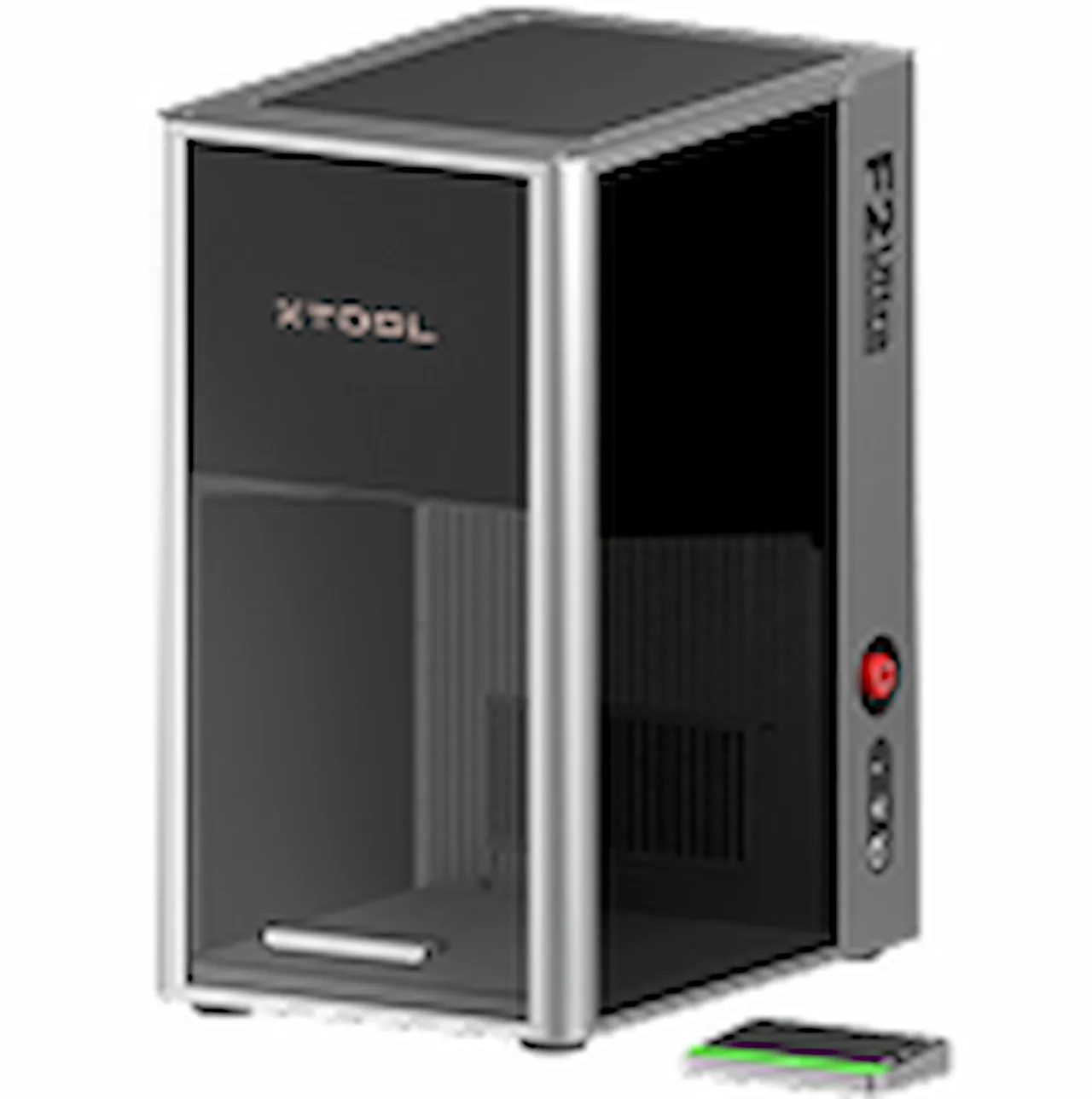
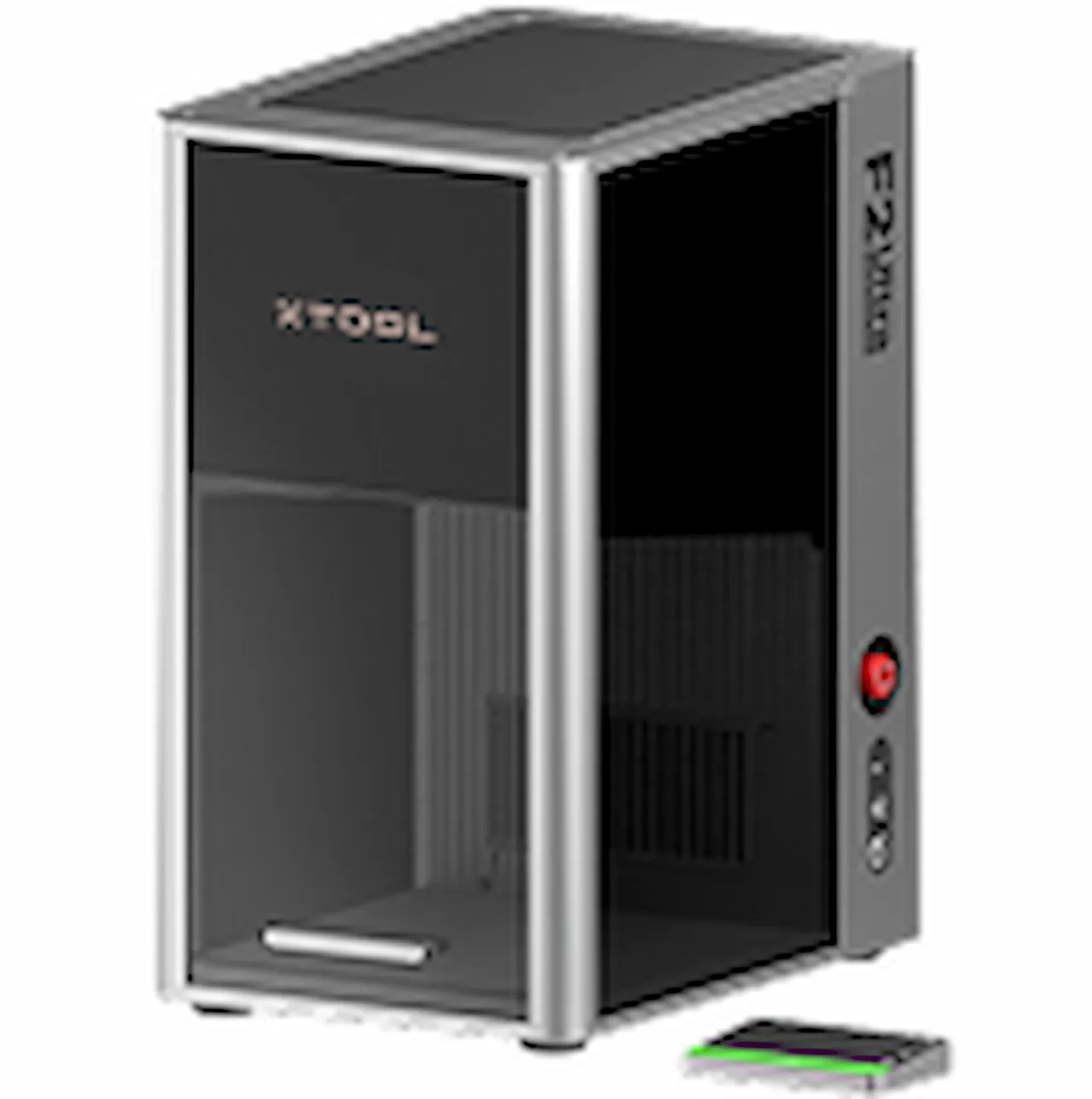
ModelF2 Ultra (Single)
Laser typeFiber/Infrared
Wattage60W
Compare against your own machine before treating these as a starting point.
Material Details
MaterialRed Scratch Paper
Size0.2mm
SupplierxTool
Buy this material →
Code ERIK100 — $100 off $1,699+ (or ERIK80 — $80 off $999+)
Shop machine — xTool →
Code ERIK100 — $100 off $1,699+ (or ERIK80 — $80 off $999+)
Provenance
Source type
Community report
Shared by a maker in the community. Helpful for context, but not verified for every setup.