


Pick your machine
16 machines have Creamy White Ballpoint Pens with Stylus settings
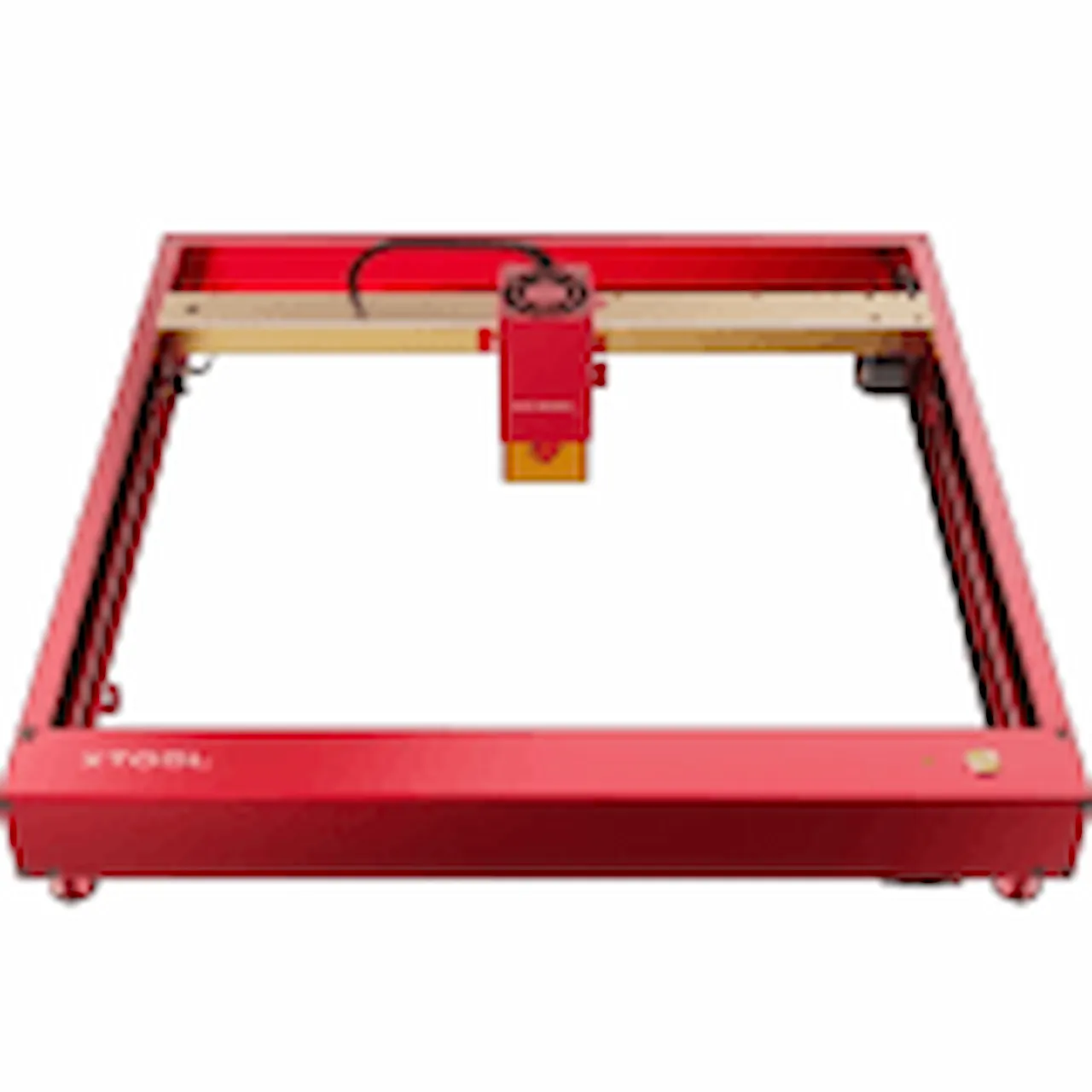
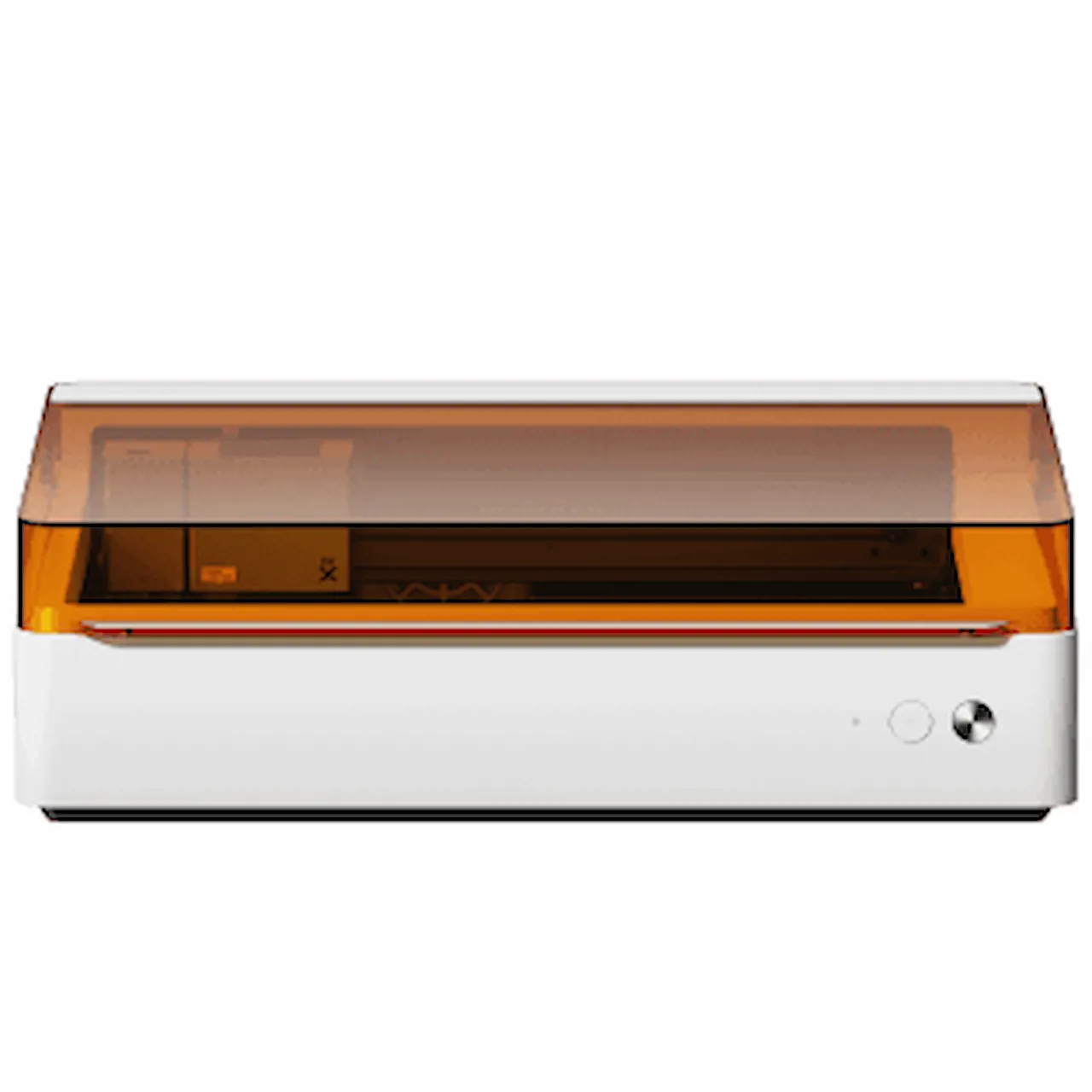
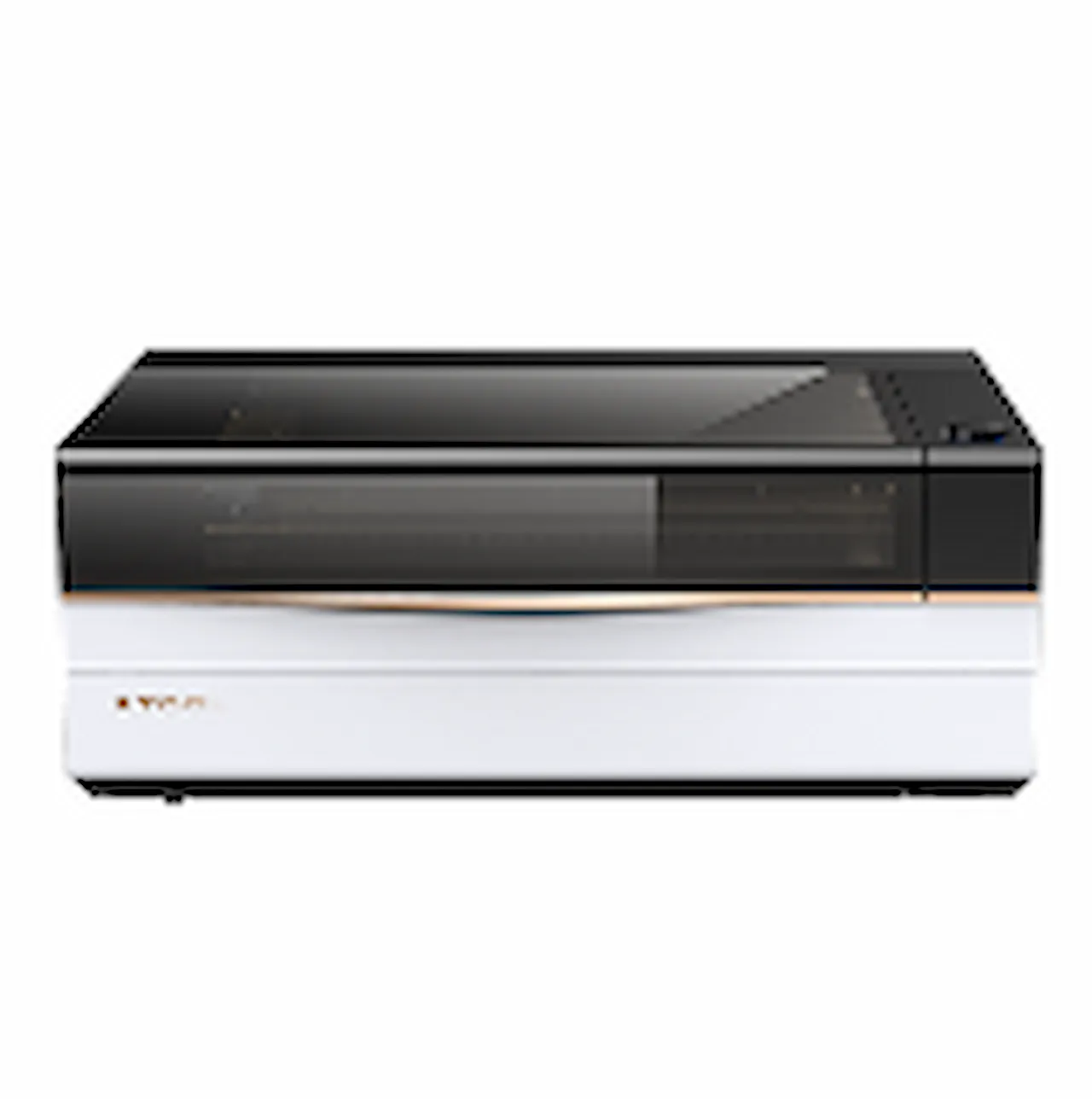
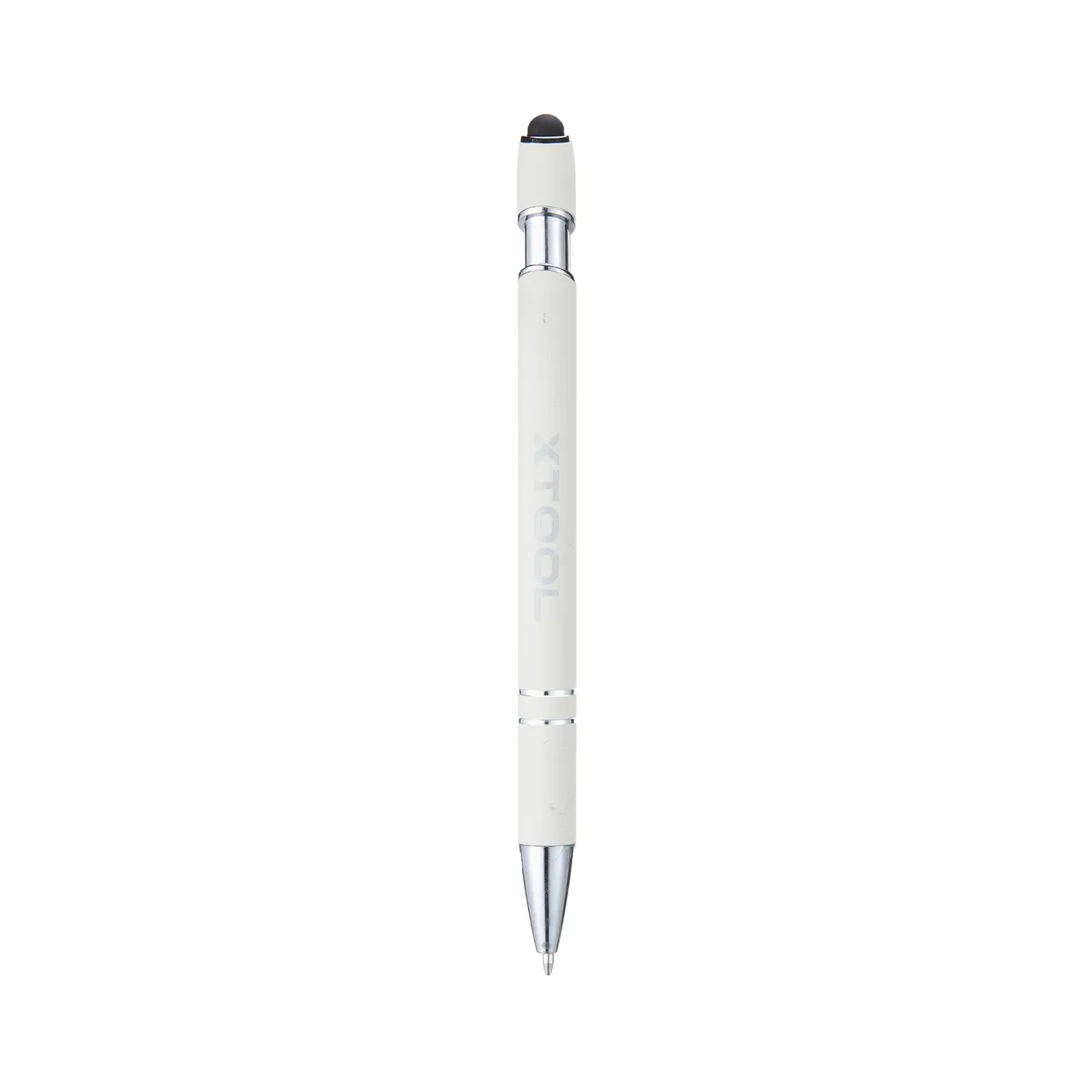
Creamy White Ballpoint Pens with Stylus
Shared by xTool (vendor)
Settings are starting points — always run a test cut on scrap before your final piece. Follow your manufacturer's guidance, wear eye protection, and ensure proper ventilation.
Laser Settings
Engrave · Vector · Flat SurfaceMore Creamy White Ballpoint Pens with Stylus settings
Same material on xTool P3. Engrave stays the same regardless of thickness; cut changes with thickness.
Community Feedback
No votes yet — be the first to report how these settings worked.
Export
xTool machine: open it straight in xTool Studio, or download a .mxs (Studio → Materials → Import).
DTF and UV printers, supplies and xTool machines.
Code FOUNDRY: 5% off, machines included
Shop AAPS →Machine Context
Compare against your own machine before treating these as a starting point.
Material Details
Code ERIK100 — $100 off $1,699+ (or ERIK80 — $80 off $999+)
Code ERIK100 — $100 off $1,699+ (or ERIK80 — $80 off $999+)
Provenance
Shared from a supplier or manufacturer reference. Useful for context, but not proof it will match your machine or material.
Source
xTool's tested settings, shared here with xTool's permission.