



Pick your machine
10 machines have Silicone settings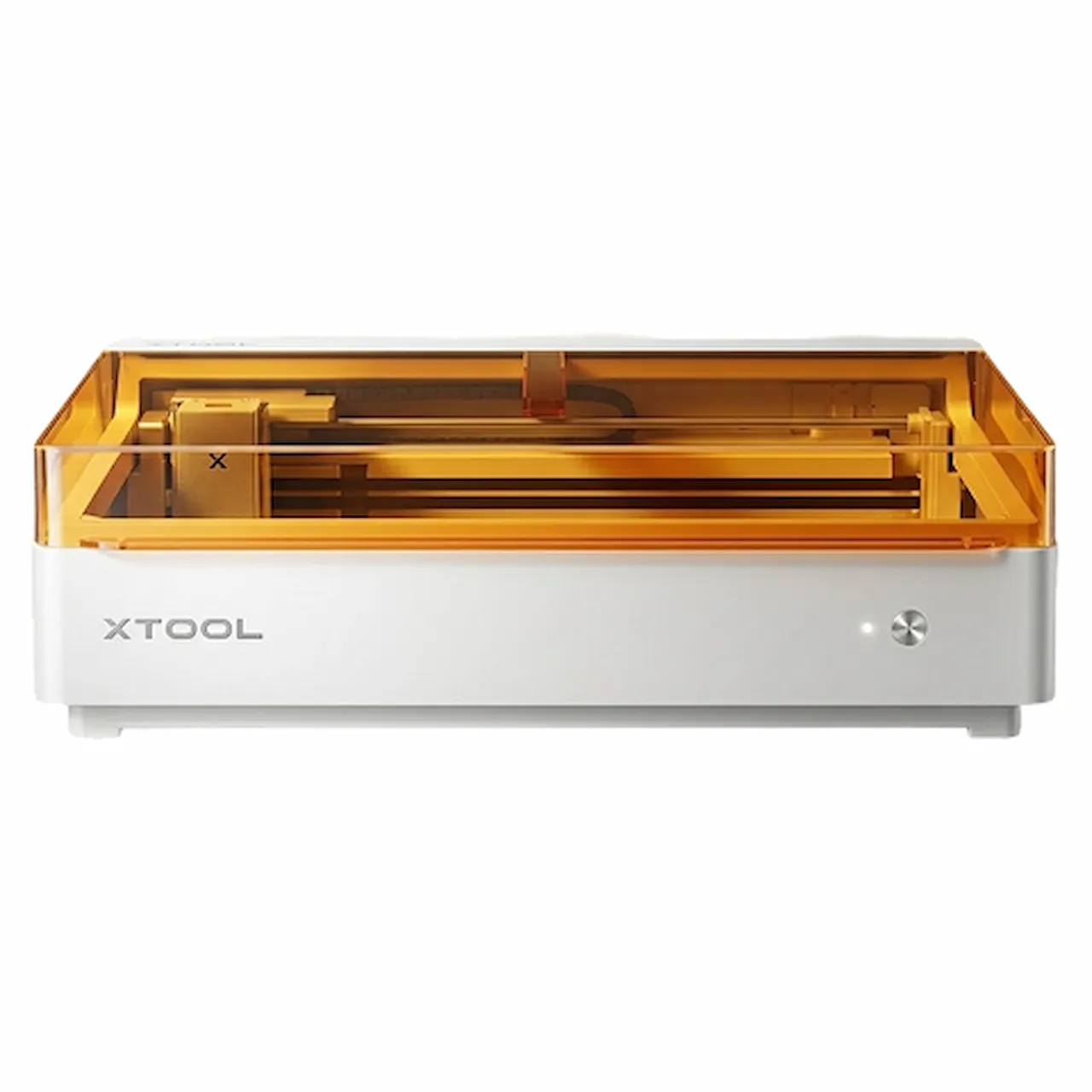
DiodeCommunity report
Silicone
Shared by @sshelton133 on Atomm
Important safety notice
Settings are starting points — always run a test cut on scrap before your final piece. Follow your manufacturer's guidance, wear eye protection, and ensure proper ventilation.
Laser Settings
Engrave · Vector · Flat SurfacePower
100
Speed
160
LPC
200
Passes
6
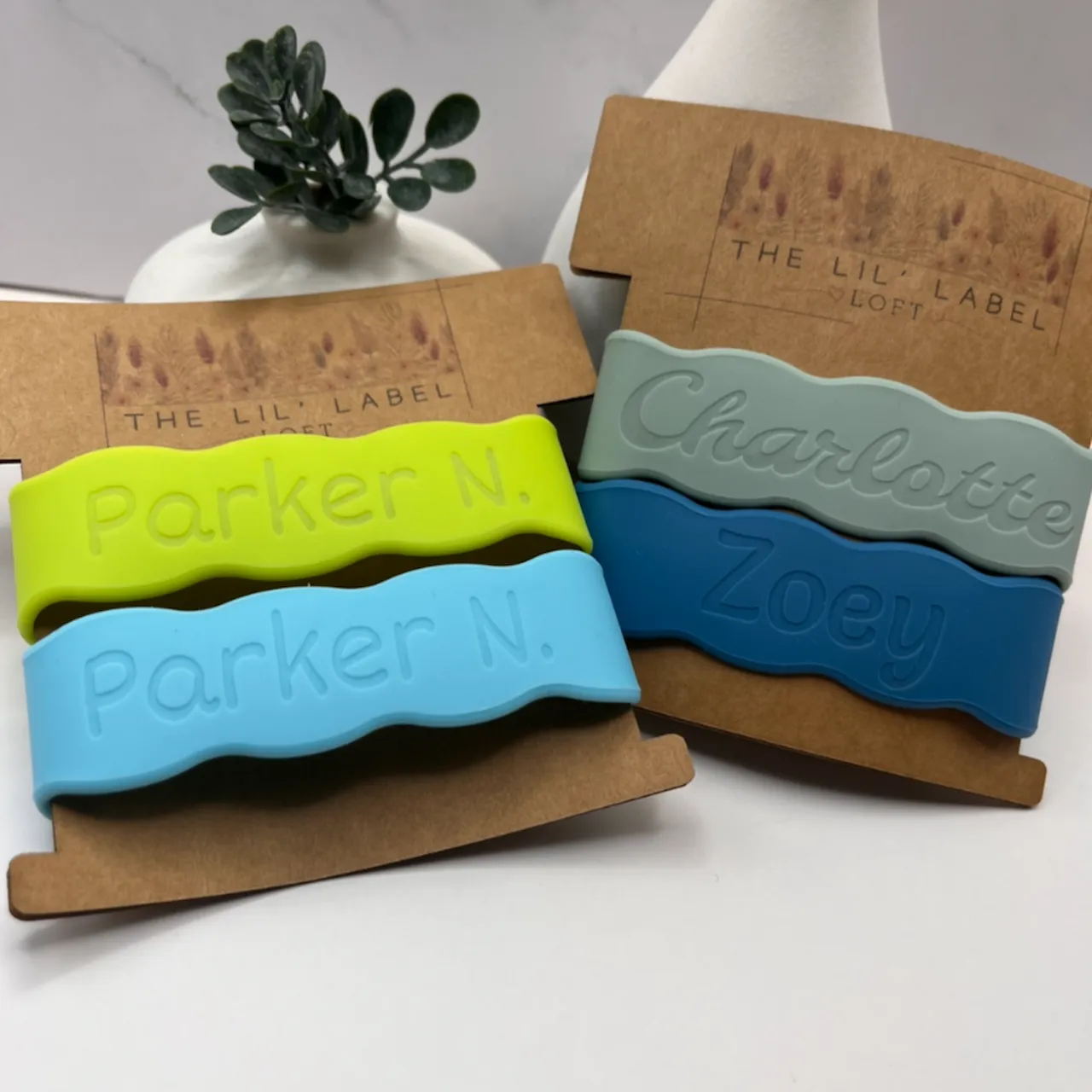
This is the very unorthodox settings that I use on my 10W M2 for engraving silicone bands. I kept reading "low power, high speeds, 1-2 passes,” buuuutttt I found that high power, moderate speed and 6 passes gave me excellent results, but it does take anywhere between 13 and 24 minutes per band... Fair warning, the completely opaque bands work best, no bubbling. There may be slight bubbling/texture with the ones that you can see light through (affected colors for me are very dark blue/navy, hot pink, and minimally on lime green), it is just the nature of a diode + silicone with any sort of light transparency, I think...
Community Feedback
No votes yet — be the first to report how these settings worked.
Export
xTool machine: open it straight in xTool Studio, or download a .mxs (Studio → Materials → Import).
Sponsored
Shop xTool lasers and UV printers
Every xTool machine in this library, with our discount code.
Code ERIK100: $100 off $1,699+ (or ERIK80: $80 off $999+)
Shop xTool →Machine Context
BrandxTool
ModelM2
Laser typeDiode
Wattage10W
Compare against your own machine before treating these as a starting point.
Material Details
MaterialSilicone
BrandLight Harvest Designs
Shop machine — xTool →
Code ERIK100 — $100 off $1,699+ (or ERIK80 — $80 off $999+)
Provenance
Source type
Community report
Shared by a maker in the community. Helpful for context, but not verified for every setup.