
Maker Foundry

Pick your machine

16 machines
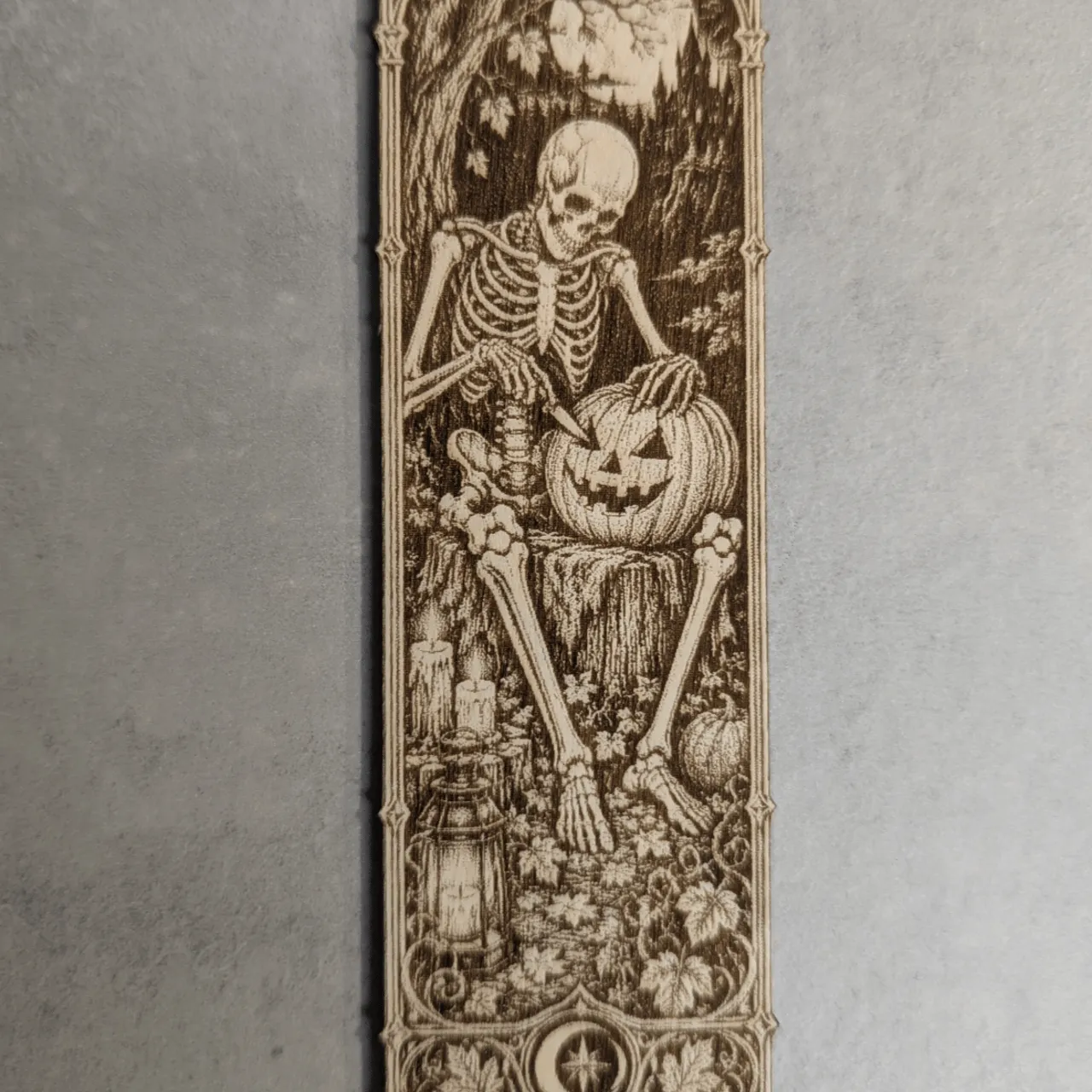
1/8"(3mm) Birch Plywood test grid
DiodeCommunity report

1/8"(3mm) Birch Plywood

white

Shared by @theStonefox on Atomm

Important safety notice

Settings are starting points — always run a test cut on scrap before your final piece. Follow your manufacturer's guidance, wear eye protection, and ensure proper ventilation.

Laser Settings

Engrave · Bitmap · Flat Surface
Power
70
Speed
100
LPC
80
Passes
1
Thickness
3mm
Engraved and cut on 3mm plywood with the M2 laser. To get an extra dark, high-contrast finish, I boosted the power and lowered the speed, so the engraving burns deeper and stands out sharply against the pale wood. The result is a bold, crisp look achieved with laser settings alone: no chemicals, no stains, and no photo editing on the image shown. If you are not happy with the engraving result, simply repeat the engraving step and tweak the settings. General tips Secure the material with tape or clamps. If the engraving looks pale, the cause is usually poor focus or too little power, so refocus first and then raise the power or slow the speed down. Charred, rough edges mean the power is too high or the speed too low, so dial it back slightly. When the cut doesn't go all the way through, the glue layers in the plywood are often to blame, so add another pass or slow the cut speed.

Community Feedback

No votes yet — be the first to report how these settings worked.

Export

xTool machine: open it straight in xTool Studio, or download a .mxs (Studio → Materials → Import).
Sponsored
All American Print Supply

DTF and UV printers, supplies and xTool machines.

Code FOUNDRY: 5% off, machines included

Shop AAPS →

Machine Context

BrandxTool
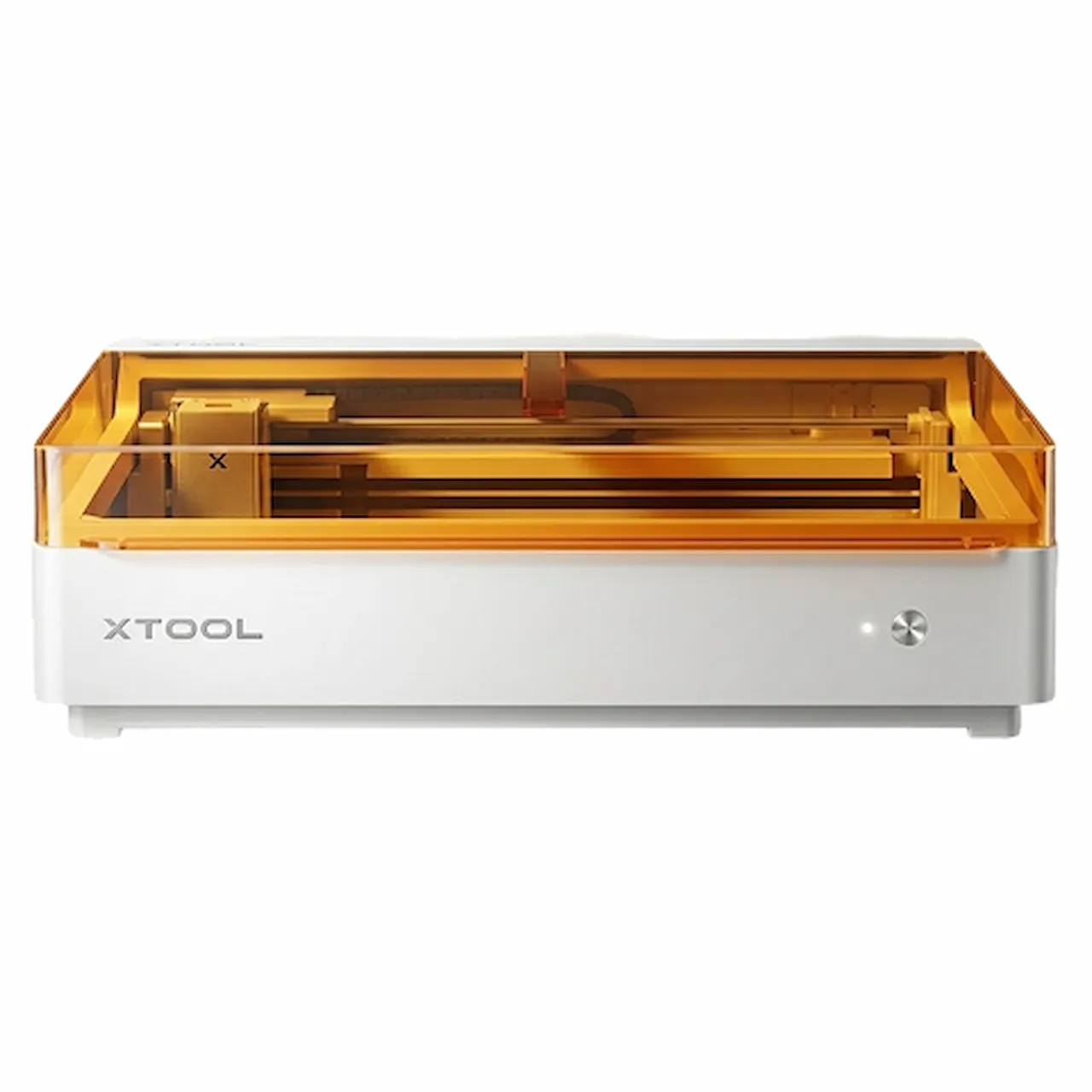
ModelM2
Laser typeDiode
Wattage10W

Compare against your own machine before treating these as a starting point.

Material Details

Material1/8"(3mm) Birch Plywood
Color / Finishwhite
BrandBambuLab Plywood 3mm
Size3mm
SupplierxTool
Buy from xTool →

Code ERIK100 — $100 off $1,699+ (or ERIK80 — $80 off $999+)

Shop machine — xTool →

Code ERIK100 — $100 off $1,699+ (or ERIK80 — $80 off $999+)

Provenance

Source type
Community report

Shared by a maker in the community. Helpful for context, but not verified for every setup.

Source

Shared by @theStonefox in Atomm, xTool's community
View the original post →